
Items and modifiers
Organize menu items, prices and modifier choices. Keep preparation requests attached to the item they belong to.
Restaurant point of sale
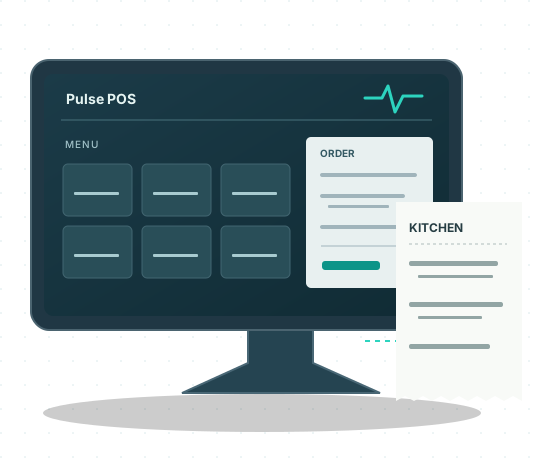
Pulse POS gives your staff a place to enter orders, manage menu items and send tickets to your kitchen stations. We help you set it up around the way your restaurant works.
The software
Set up your menu, record what the customer ordered and give each kitchen station the details it needs.
Organize menu items, prices and modifier choices. Keep preparation requests attached to the item they belong to.
Enter and review order details in the POS. See item selections and customer instructions before sending work to the kitchen.
Configure kitchen printers for the stations that prepare your food. Route items and their attached requests to the appropriate tickets.
Review the menu, printers and ordering channels with us before launch. Available integrations depend on your setup and the platform’s approval.
Delivery integrations
We review the connection, menu and order workflow for each platform before changing an existing setup.
Receive Uber Eats orders through the Pulse delivery workflow. Contact us to confirm compatibility and setup for your location.
Grubhub integration work is underway. Availability depends on partner access and platform approval.
DoorDash Marketplace integration is not yet available for production use. Contact us for availability information.
Platform names identify the services involved; they do not imply endorsement. A connection requires the merchant’s authorization.
Getting started
Tell us about your menu, equipment and current ordering setup. We’ll discuss the configuration and service arrangements for your location.
See the setup processReview your locations, existing equipment and the way orders move through the restaurant.
Set up the menu and printer routes, then review the available connections.
Review order content and kitchen tickets before agreeing on the launch plan.
Contact Pulse POS Solutions for software, setup and availability information.